
Technical SEO Made Simple: Boosting Visibility and Conversions for Your Website


 Technical SEO made simple—that’s the promise every business owner and website manager dreams of. You’ve built a sleek website and crafted great content, but you’re still stuck on page 3 of Google. Sound familiar?
The truth is, content alone doesn’t drive rankings. Without solid technical SEO, even the best content can go unnoticed.
Think of your website as a luxury car. Content is the engine, but technical SEO is the fuel system—invisible but crucial to performance.
In this blog, you’ll learn practical, easy-to-understand strategies to boost your visibility and conversions through technical SEO—no coding degree required.
What Is Technical SEO and Why Does It Matter
Technical SEO is all about making your website easier for search engines to crawl, index, and understand. Unlike on-page SEO (which deals with content), technical SEO focuses on the infrastructure of your website.
Why does it matter?
Because if Google can’t find, crawl, or understand your site, it won’t rank—no matter how amazing your content is. And if users experience slow loading or broken elements, they’ll bounce. That hurts conversions, leads, and ultimately, your revenue.
Website Speed Optimization
Why It Matters:
Google prioritizes websites that load fast. Users expect websites to load in 2.5 seconds or less. Every extra second of load time can reduce conversions by 7% or more.
How to Fix It:
1. Compress Images
Large image files slow down your site. Use tools like TinyPNG or ImageOptim to reduce file size without losing quality.
2. Browser Caching
Enables returning visitors to load your site faster by storing files in their browser. Configure your .htaccess or use plugins like WP Rocket.
3. Minify JavaScript and CSS
Remove unnecessary code and spaces. Tools like UglifyJS and CSSNano automate this.
4. Use Lazy Loading
Images and videos load only when they appear on the screen. It drastically reduces initial load time.
Mobile-Friendliness
Why It Matters:
More than 60% of searches come from mobile devices. Google now uses mobile-first indexing, meaning your mobile site is the default version for rankings.
How to Fix It:
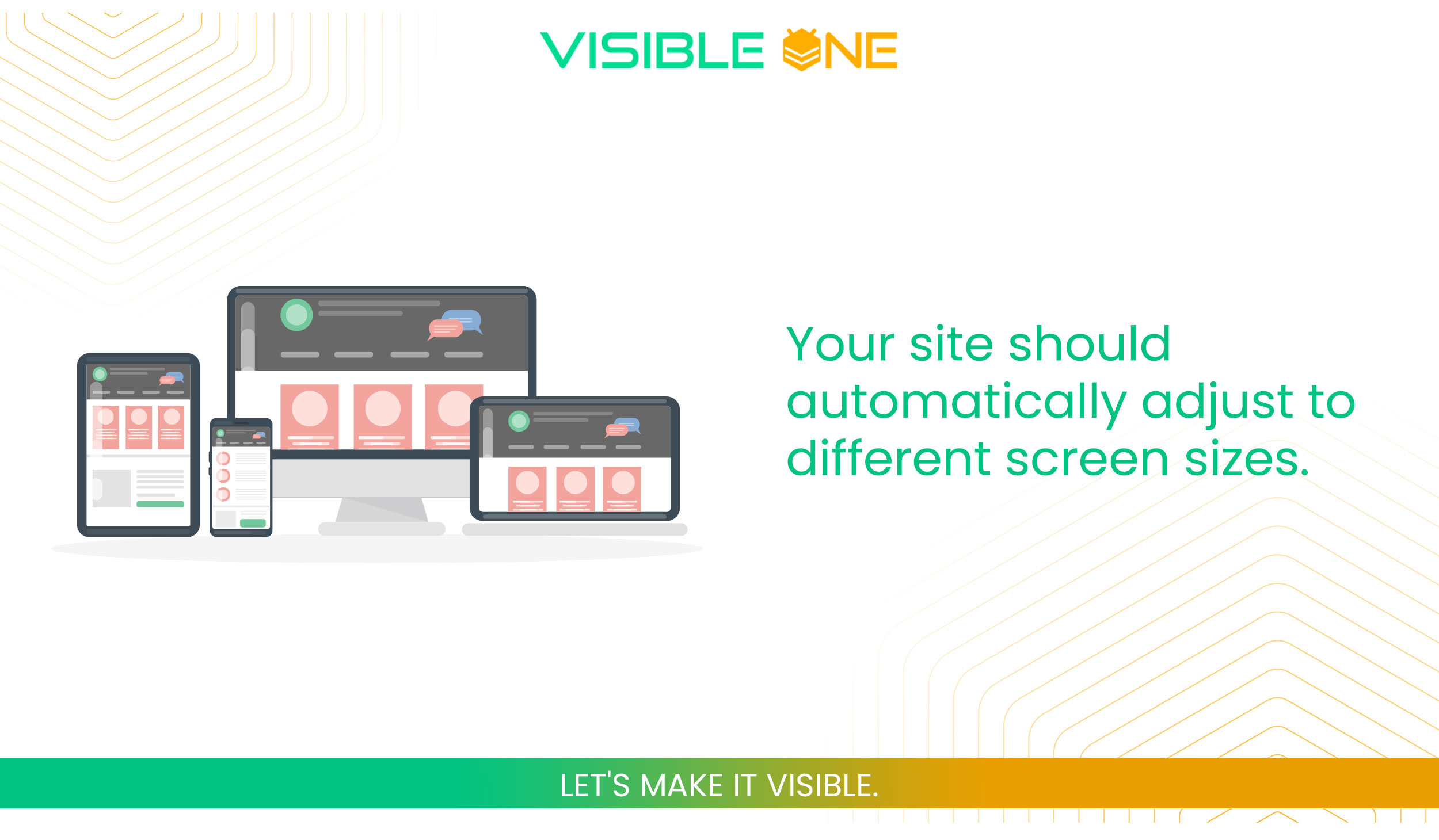
1. Use Responsive Design
Your site should automatically adjust to different screen sizes. Most modern WordPress themes handle this.
2. Test with Google’s Mobile-Friendly Tool
It shows exactly where your mobile site fails and how to fix it.
3. Optimize Touch Elements
Buttons and links should be easy to tap—especially for thumb users.
XML Sitemaps and Robots.txt
Why It Matters:
These files guide Google’s bots on what to crawl and what to skip. Without them, your most important pages might go unnoticed.
How to Fix It:
1. Generate an XML Sitemap
Use plugins like Rank Math or Yoast SEO to auto-generate sitemaps.
2. Submit to Google Search Console
This helps Google discover all your pages faster.
3. Check Your Robots.txt File
Make sure it’s not blocking important content. A single misstep can deindex your site!
Secure Your Site With HTTPS
Why It Matters:
Google confirmed HTTPS is a ranking signal. Users trust secure sites, especially when submitting personal data.
How to Fix It:
1. Get an SSL Certificate
Most hosts like SiteGround or Bluehost offer it for free.
2. Redirect HTTP to HTTPS
Use 301 redirects to ensure all traffic is secured.
3. Update Internal Links
Ensure every internal URL uses HTTPS, not HTTP.

Core Web Vitals: Google’s User Experience Metrics
Why It Matters:
Core Web Vitals are essential for user experience. Google uses these to decide whether your site deserves the top spot.
The 3 Metrics Explained:
- Largest Contentful Paint (LCP): Measures how long it takes for the main content to load. Should be under 2.5 seconds.
- First Input Delay (FID): Measures the delay when users first interact with your page. Aim for less than 100ms.
- Cumulative Layout Shift (CLS): Measures visual stability. Pages shouldn’t move around as they load. Keep it under 0.1.
Tools to Use:
Structured Data and Schema Markup
Why It Matters:
Structured data helps Google understand your content better. It can show rich results like stars, product prices, and FAQs—boosting click-through rates (CTR).
How to Fix It:
1. Use Schema.org Markup
Apply JSON-LD code snippets to blog posts, reviews, events, etc.
2. Test with Rich Results Tool
See if Google can properly read your structured data.
3. Plugins Help
Use Rank Math or Schema Pro for easy implementation.
Fix Broken Links and Redirects
Why It Matters:
Broken links frustrate users and damage SEO authority. Improper redirects confuse Google and waste link juice.
How to Fix It:
1. Audit with Tools
Use Screaming Frog, Ahrefs, or Semrush to find broken links.
2. Use 301 Redirects
Properly redirect old or broken URLs to new ones using your SEO plugin.
3. Avoid Redirect Chains
They slow down performance and confuse bots.
Canonical Tags to Manage Duplicate Content
Why It Matters:
If Google sees multiple versions of the same page, it may penalize your site or split link equity.
How to Fix It:
1. Add rel=”canonical” Tags
These tags tell Google which page is the “master” version.
2. Avoid Parameter-Based Duplication
Pages with ?ref= or ?sort= parameters often create duplicates.
3. Use in Pagination and Sorting
Make sure your eCommerce or blog categories are correctly canonicalized.
Site Architecture and Navigation
Why It Matters:
A logical, clean structure helps both users and Google navigate your site efficiently. It also passes link juice to important pages.
How to Fix It:
1. Flat Structure
Keep most pages no more than 3 clicks from the homepage.
2. Breadcrumbs
Help users trace their path and boost internal linking.
3. Category Pages
Group similar content to increase topical relevance and help crawling.
Optimizing your site for technical SEO can be complex—but you don’t have to do it alone. At Visible One, we specialize in providing full-scope technical services designed to elevate your website’s performance, visibility, and security.
Image Optimization
Why It Matters:
Large images slow down load time and affect Core Web Vitals.
How to Fix It:
1. Use Alt Attributes
These help Google understand image context and improve accessibility.
2. Compress Images
Tools like ShortPixel or TinyPNG reduce file size without noticeable quality loss.
3. Use WebP Format
This modern image format offers superior compression over JPEG/PNG.
SEO-Friendly URLs
Why It Matters:
Clean, descriptive URLs are easier for search engines and users to understand.
How to Fix It:
1. Include Keywords
Add your focus term in the URL.
2. Avoid Parameters and Random Strings
yourdomain.com/seo-guide is better than yourdomain.com/page?id=456.
3. Use Hyphens, Not Underscores
Google recommends hyphens for readability.
Does all this technical SEO talk sound confusing or overwhelming?
At Visible One, we specialize in handling the technical side of SEO so you can focus on growing your business. From securing your website with a professional SSL Certificate, to building a fast, mobile-friendly website design, and offering comprehensive IT solutions—we’ve got everything covered.
Keep Your Site Error-Free and Updated
Why It Matters:
Outdated themes, plugins, or CMS versions can introduce vulnerabilities and break your website.
How to Fix It:
1. Update Regularly
Set a weekly or monthly schedule to update WordPress, themes, and plugins.
2. Backup Before Changes
Always keep a full backup in case updates go wrong.
3. Use Maintenance Mode
Prevent visitors from seeing a broken site during updates.
Measure, Track, and Improve
Why It Matters:
If you don’t measure, you can’t improve. Analytics help identify which technical fixes are making an impact.
Tools to Use:
- Google Search Console: Track indexing, sitemap issues, Core Web Vitals, and keyword rankings.
- Google Analytics 4: Understand how users behave on your site.
- SEO Tools: Use Ahrefs, Semrush, or Screaming Frog for in-depth audits.


Technical SEO made simple is more than a catchy phrase—it’s a strategic advantage. While competitors focus solely on keywords and content, you can rise above by optimizing the foundation of your website.
By implementing these proven strategies, your site becomes faster, more visible, and more likely to convert visitors into customers.